Terminal Aliases and Programs
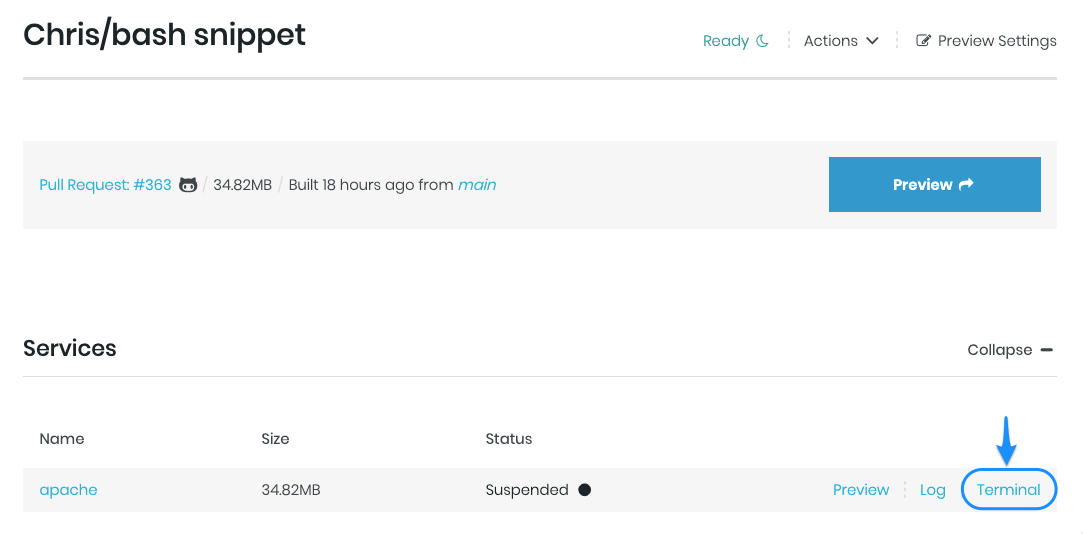
If you use the Terminal utility in Tugboat’s previews, then it might be helpful to customize it, such as adding aliases
and linking programs into the $PATH. Here’s how you can do that from your config.yml file.
 1php:
 2  image: tugboatqa/php:8
 3  commands:
 4    init:
 5      # Create the standard long-list "ll" alias.
 6      - echo "alias ll='ls -la'" >> /root/.bashrc
 7
 8      # If using composer, add the path to our "/vendor/bin" directory to the $PATH so we can call those programs
 9      # without typing out the full path.
10      - echo "export PATH=$PATH:${TUGBOAT_ROOT}/vendor/bin" >> /root/.bashrc
Note: This snippet will make your aliases and programs available within the terminal utility from the UI only. They
will not be available within the config.yml file itself.